String Conversion and Developer Console Guide
Follow these steps to convert your string and use it in the developer console:
Step 1: Enter Your String
Enter cookies gotten into the first box
Step 2: Convert Your String
Click on the convert button and the converted string will appear in the second box.
Step 3: Copy and Paste into Developer Console
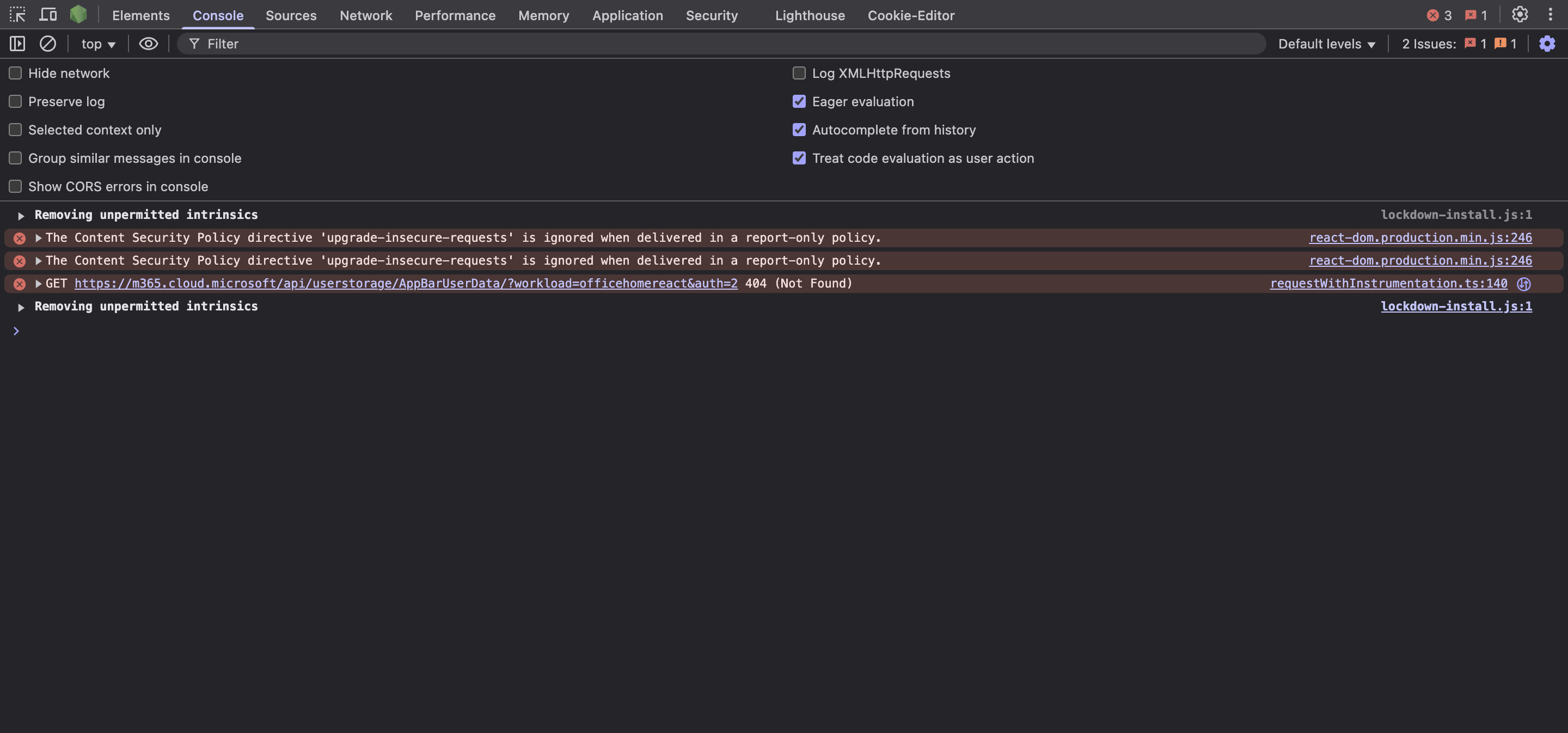
Copy the text from the second box and open the developer console on the login page (login.microsoftonline.com).
Shortcut to open Developer Console:
- Windows/Linux: Press
Ctrl + Shift + J(Chrome) orCtrl + Shift + I(Edge, Firefox) - Mac: Press
Cmd + Option + J(Chrome) orCmd + Option + I(Edge, Firefox)
Once the console is open, paste the copied text and press Enter.